Crepuscular Rays & Epsilon Glow
Adaptive radial light shafts in Euphoria, Prismatic, Source light and Solar modes with a clickable origin, paired with two-octave bloom and chromatic halation.
 Dither Studio
A press that takes a painting, a photograph or a video and rebuilds it out of one palette’s marks.
Desktop app for Windows and macOS. It does not run on phones or tablets.
The film opens on the Creation of Adam, close enough that the fingers are the whole frame.
It lands in the gap and grows by doubling, on the grid it will live on.
The dither spreads from that point as sixteen-pixel marks and resolves to four.
Three paintings from the app’s own library, each through a different algorithm.
The real console, and the same proof printed as characters instead of pixels.
One painting, two screens. The average tone holds and the grain changes.
Scroll, and the film runs with you
Forty-seven algorithms: Bayer screens, error diffusion, three structure-aware screens that follow the picture’s own contours, and a No dither passthrough for layered proofs. Every one is a named method in the menu, and the catalogue on this page is the one the app ships.
Windows and macOS. The build is unsigned, so the system asks once. It draws the same with the cable out.
Dither Studio is a desktop app for Windows and macOS. It does not run on phones or tablets; the web demo is a browser preview.
The web build, one click away. Forty-seven algorithms, 30 palettes and 16 core effects with no install and nothing uploaded: six recipes on a desktop browser, 27 unlocked on phones and tablets. Open it in its own tab if you would rather keep it.
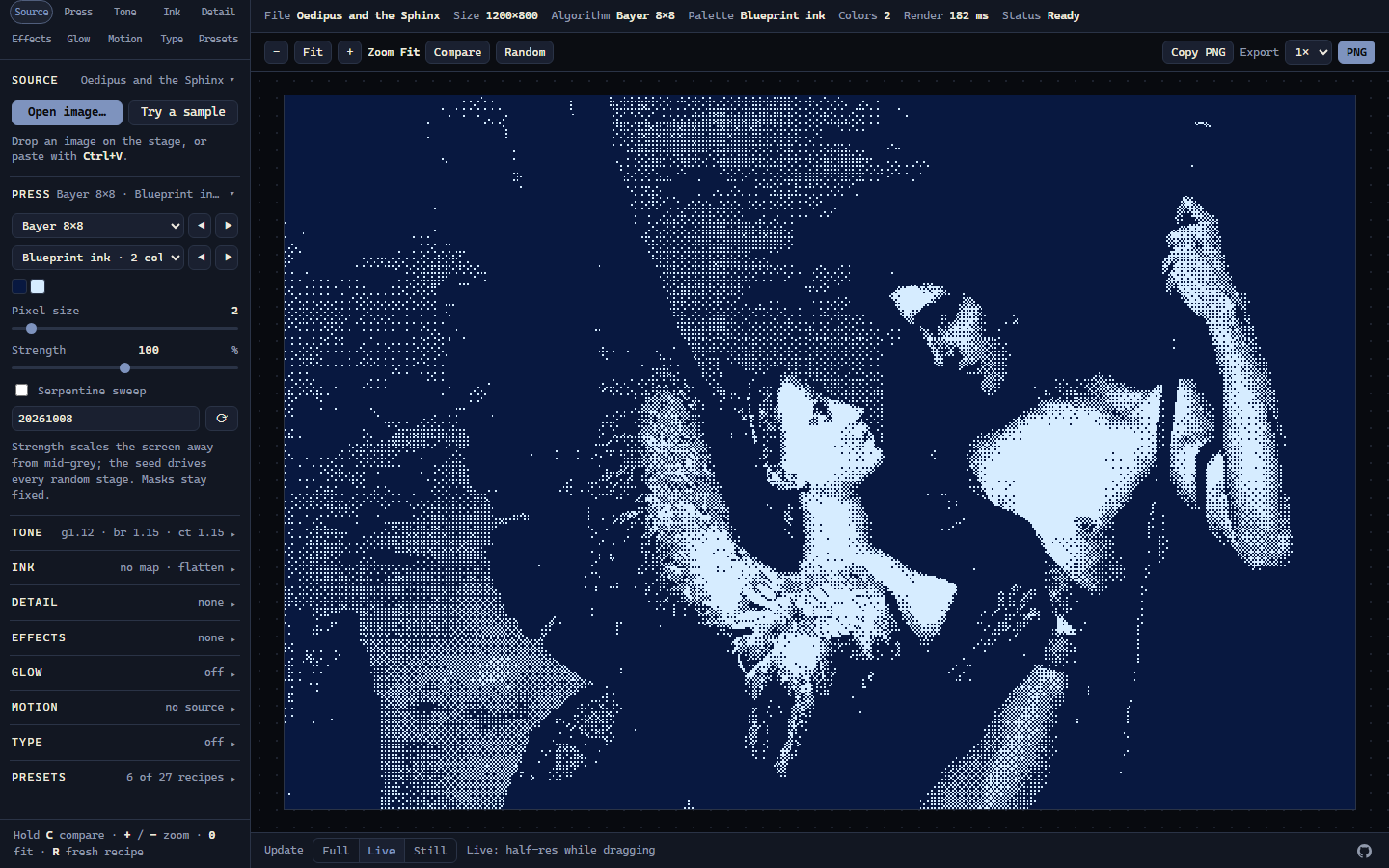
In the desktop app, Layers & Object Detection segments foreground subjects offline, or lets you pick regions, flood-fill outlines with the bucket tool, fill holes in one click, and refine masks with Paint and Erase.
Every object layer and the background hold their own algorithm, palette, tone grade, effects stack, glow, opacity and feather, including No dither to leave the original painting behind a dithered figure. A dedicated Full image layer runs post-mask effects across the whole composite, and exports save clean without the mask overlay.
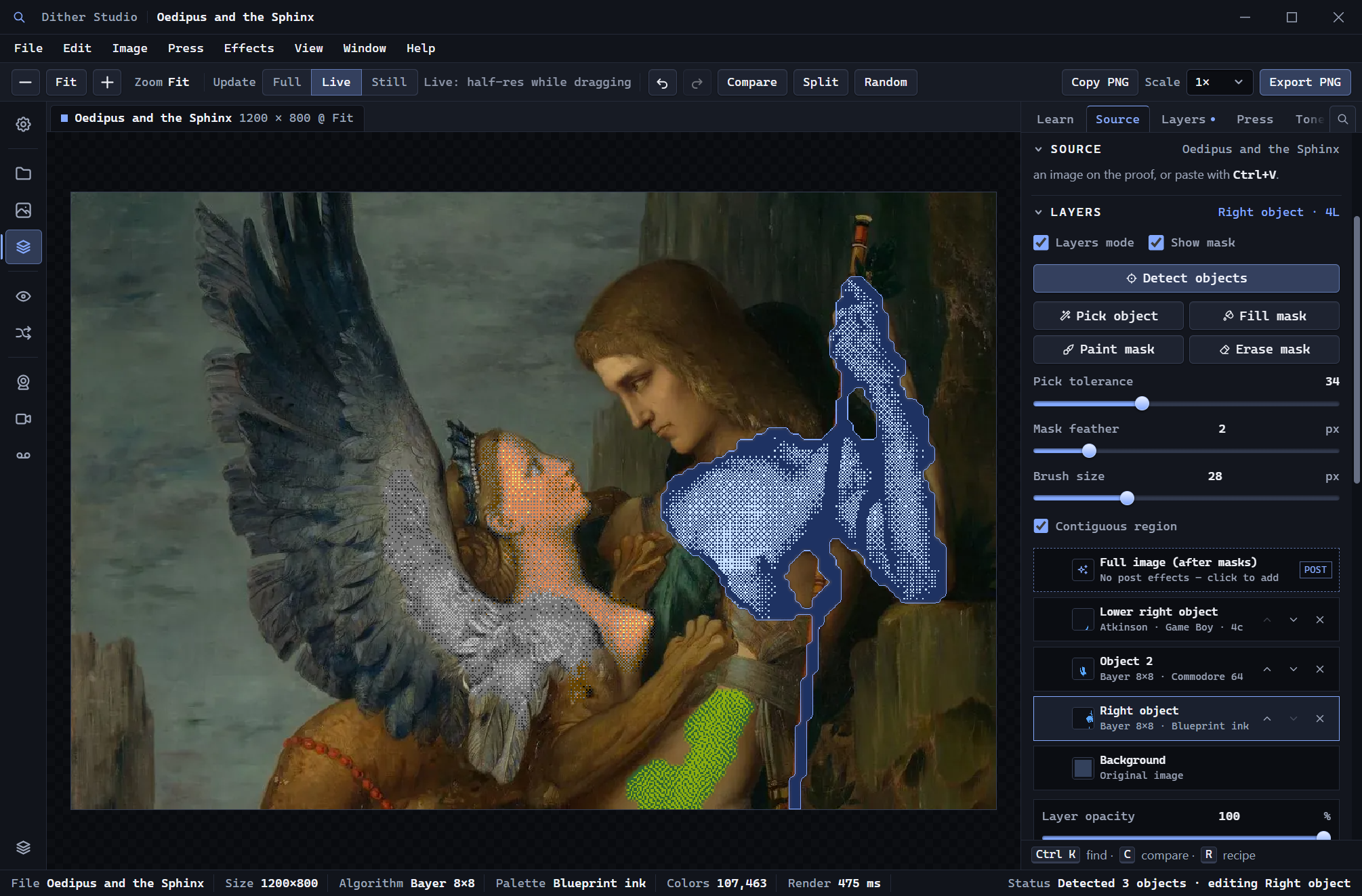
Text mode prints the image as a grid of glyphs from a ramp you choose, at a cell size you choose. The paper and the type come from the palette, so a Game Boy proof is green type on green paper.
Export writes the grid as plain text, one line per row, which is a format that survives being pasted anywhere.
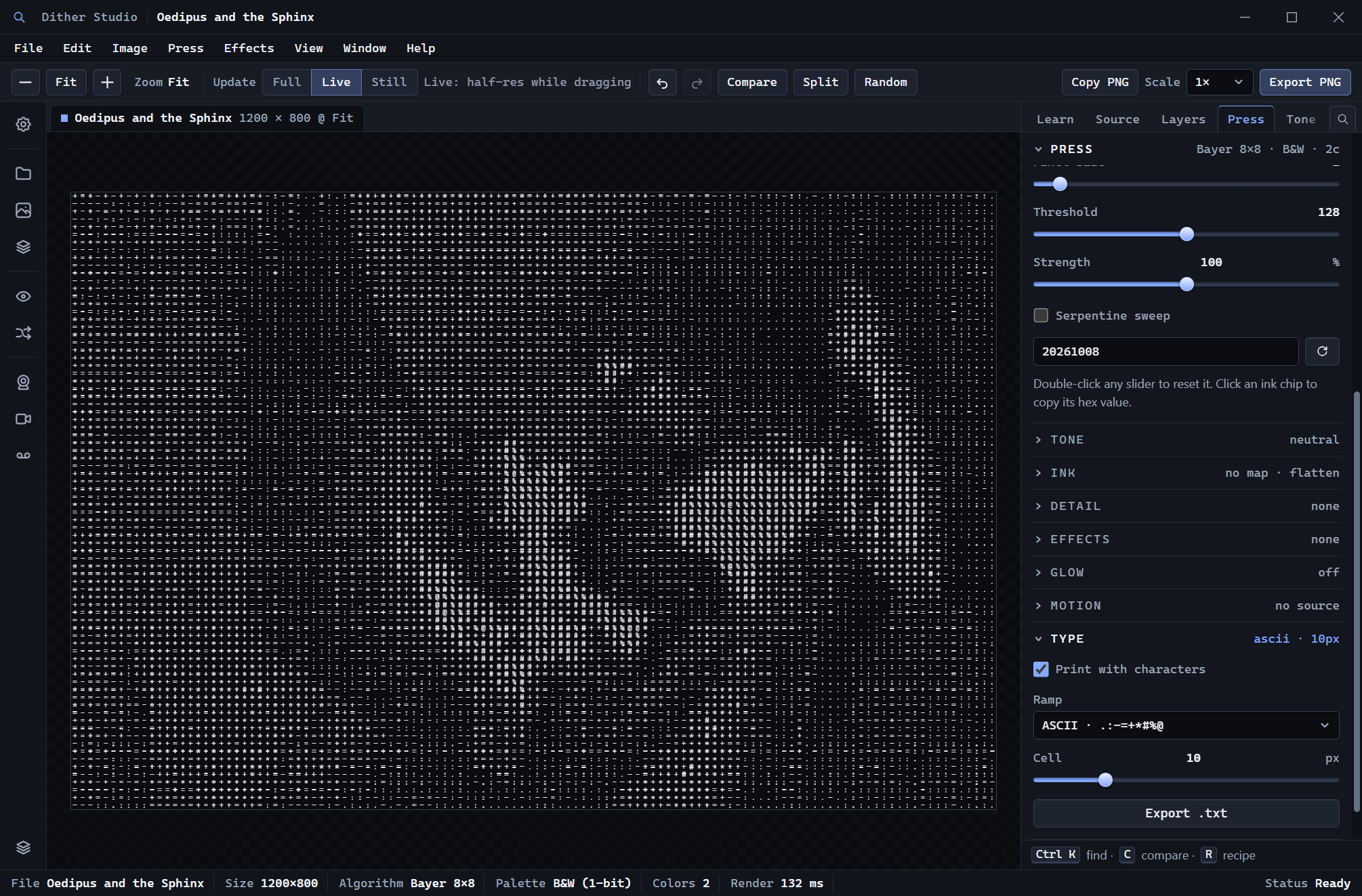
Every colour in a proof is one of the palette’s own entries. The Game Boy palette is the four greens the hardware could show; the C64 palette is the sixteen the VIC-II produced. Thirty built-in sets ship with the engine, plus 25 inspired palettes across five installable packs and Lospec or custom imports up to 64 inks.
For flat areas that need more tones than the palette has, the mixing plans alternate between entries so the average lands where it should. A flat 128 reads as 128 from a metre away.
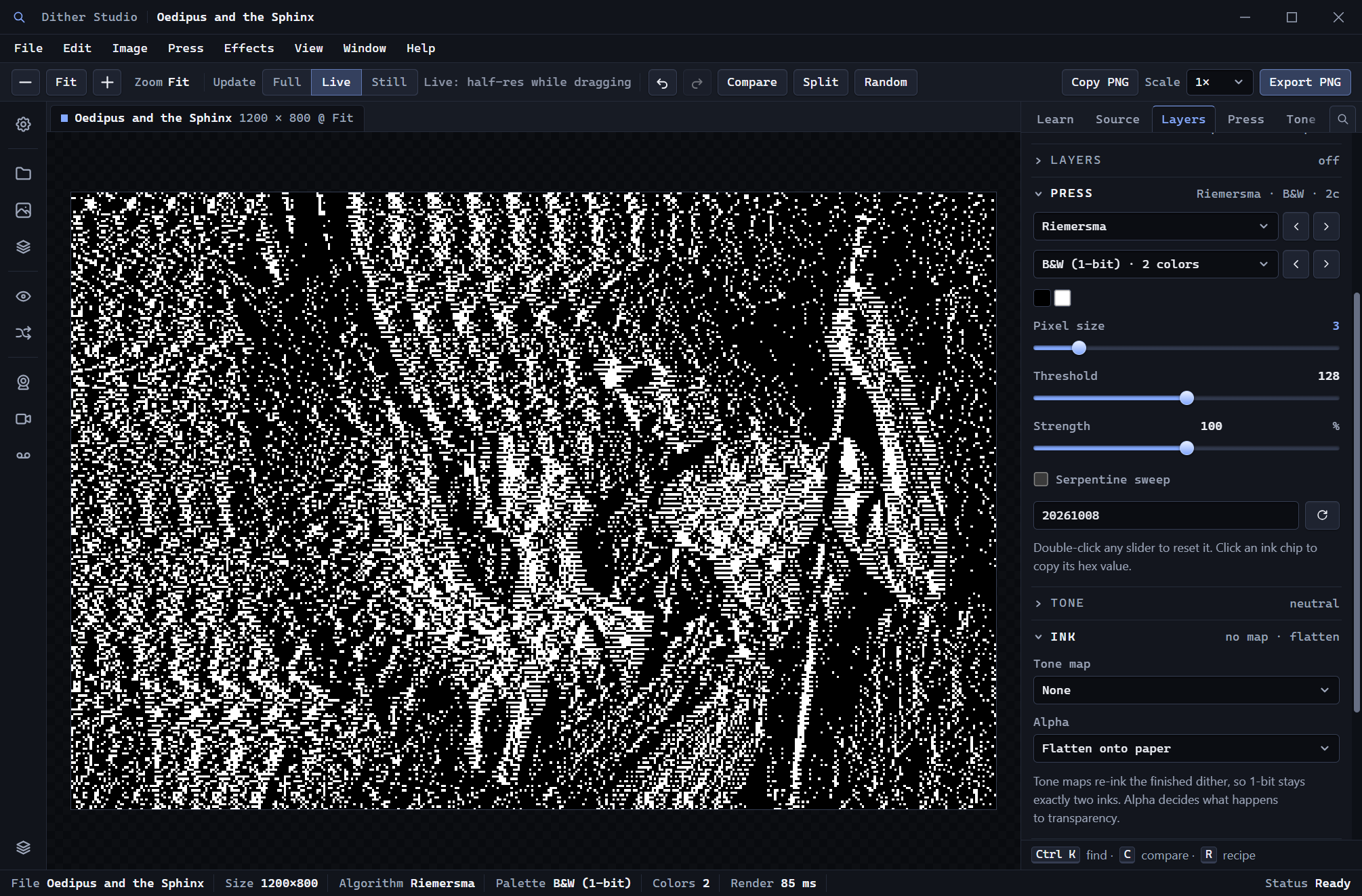
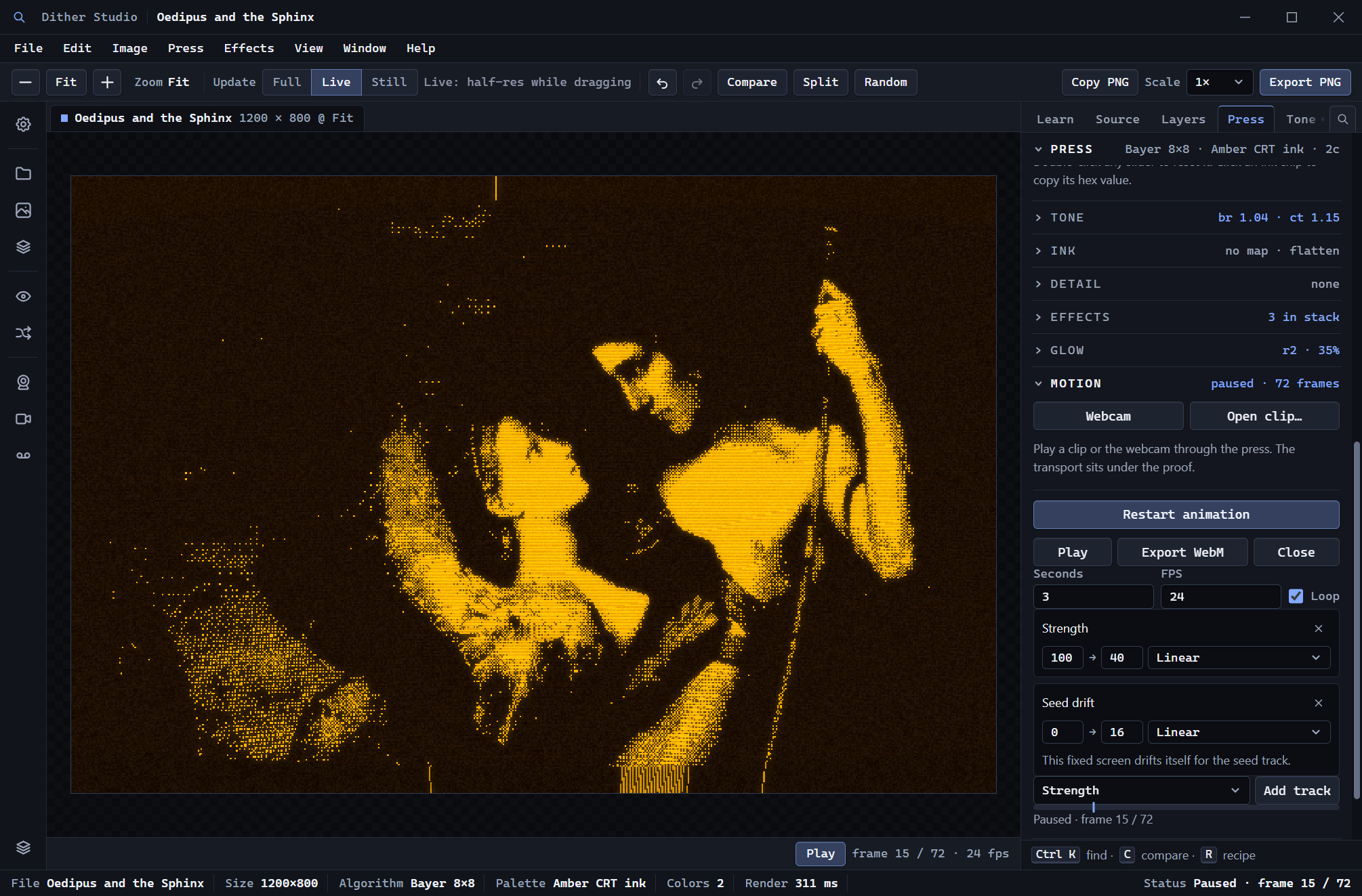
Drop a clip in, or point it at a webcam. The frame loop renders at the speed the machine can hold and drops frames instead of queueing them, capped at 720 px so playback stays honest. Three temporal rules decide how the screen behaves between frames, and a frame index always produces the same recipe.
Animate the Still opens a 1 to 12 second timeline over any picture, with tracks across eleven settings and four eases. Recording and still takes both export as seekable WebM files with their real duration written into the container.
File ▸ Plugin Manager installs declarative JSON packages from GitHub with an offline bundled fallback, grouped into Functionality and Presets & color schemes. Installed tools launch straight from the manager or the Studio Menu (Ctrl+Shift+M), and no downloaded JavaScript ever runs.
Adaptive radial light shafts in Euphoria, Prismatic, Source light and Solar modes with a clickable origin, paired with two-octave bloom and chromatic halation.
Subtractive two-plate halftone overprints with registration slip in Duotone, Black ink, Teal & amber and Crimson & ink, plus xerox dust and parchment wear.
Luminance-compensated CRT triads in Aperture grille, Shadow mask and arcade Slot mask variants, beside oscilloscope and FM signal scanlines.
Redraws the proof as barcode, cross-stitch, halftone, bitmap, diamond or concentric rings, or overlays luminous ASCII, Matrix, Cyber and Medieval runes.
Engraves counter-rotating banknote rosettes, wave ribbons or orbital spirograph rings around a movable origin you can click onto the proof.
Pulls palettes from open photos through four clustering methods, drafts lockable schemes with a contrast meter, imports Lospec slugs and exports shareable packs.
Inspired by Studio AAA’s free downloads: Paradise Palettes, Spooky Halloween, Moody Matrix, Autumn Palettes, and Medieval Palettes.
Euphoria & Light, Dreamy Cyberpunk, Retro Noctua Dark Fantasy, Dread.jpg Punk Print, Marathon Graphic Press, Niko’s Glitch Universe, Caroline’s Undead Dithering, and 2_s0ur’s Broken Signal.
The bundled catalogue holds 24 packages: 11 tools, 5 palette packs and 8 preset packs. The Presets picker keeps the 25 built-in recipes first and gives each installed pack its own heading; Color Scheme Maker exports new palettes as JSON packs that install from a file in another copy of Dither Studio.
These are the catalogues inside the engine and desktop app. The bundled packs add 25 inspired palettes and 23 extra recipes on top of the built-in press.
Six selected proofs, every mark placed by the engine. Click any plate to inspect it at full size; the full shelf is below.
Drag or swipe the shelf, click any plate to inspect 1:1 pixels, or use the arrows. On a fine pointer, the loupe follows.
… reading the folder
Every still and clip in examples/ appears here, the 1.0 plates leading the shelf, with no list to keep in step. Open the folder.
Reading the shelf…
The installer is the whole press. It opens on your machine and saves to your disk.
There is no login. The installer is the whole app, and it opens on your own machine.
Your images are read from disk and written back to disk. Nothing is sent anywhere.
No fonts, no analytics, no licence check. The desktop app checks GitHub for releases (and verifies SHA-256 checksums before installing when you approve), reads the plugin catalogue with a bundled offline fallback, and fetches a Lospec palette only when you ask. The web demo above loads only when you start it.
On Windows, SmartScreen says “Windows protected your PC”: choose More info, then Run anyway. On macOS, right-click the app, choose Open, then Open again. Once each, and then never.
Installers are 108 MB on Windows; the macOS disk images are 124 MB for Apple silicon and 128 MB for Intel. The portable executable needs no install at all.
Help ▸ Check for Updates reads the public GitHub release, checks the downloaded file against the release’s published SHA256SUMS.txt, and installs it only after the hash matches and you agree. An offline press is never interrupted.
Live clips and webcam streams are capped so the loop keeps up with the clock. Animate the Still exports seekable WebM takes at full working resolution.
One installer. It works offline and writes PNG, text and WebM files to your disk.
There is no server in this product. The installed app checks GitHub for SHA-256 verified updates, reads the plugin catalogue with a bundled offline fallback, imports the Lospec palette you ask for, and otherwise works from your disk; the web demo above loads only when you start it.
Desktop app only: Windows and macOS. It does not run on phones or tablets.